Give the missing fourth cable a place in the proof
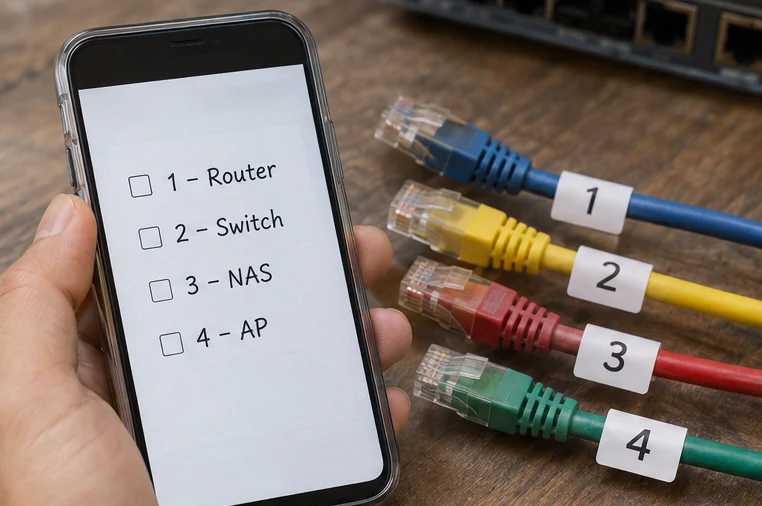
Suppose a cabinet has six active cables. Position A04 is reserved. A simple counter would generate A04 and leave the last cable mislabeled. Copy the following example into a plain-text file called cabinet-a.csv. The first column identifies the cable and the second gives its destination.
CableID,Outlet
A01,001
A02,002
A03,009
A05,010
A06,011
A07,012
If you prepare the schedule in a spreadsheet, set the outlet column to text before entering the numbers. Open the exported CSV in a text viewer. The third record should still read A03,009. A custom number format can make a spreadsheet cell look right even after the export has lost the zeros.
Connect the file to the two printed lines
- Choose the printer and media. Connect the supported Brother printer in Pro Label Tool and create a cable layout for the loaded tape. Leave room for the longest destination. Both ends in this example will carry the same ID and outlet.
- Import the six records. On the edit screen choose Connect database/serialize and select the CSV. Use the existing records for this job. Check that the column headings appear as field names and the first data row is A01.
- Assign the fields. In the field selector for the first printed line choose CableID. Assign Outlet to the second. Seeing records in the database alone does not place their values on the label. Brother’s missing-field instructions show this step.
- Print one proof. Select A03, set the quantity to one and print. Read both lines on the physical tape. Preview the following record too. It should be A05 with outlet 010.
A03 / 009 → A05 / 010
The slash represents a line break. The gap in cable IDs is intentional.
Make the second end match
For a short job, select one approved record and print its pair before moving to the next cable. If the proof is suitable for installation, count it as the first of that pair. Six cables need twelve finished IDs. If work stops after A03, the next pair starts at A05. Mark completed pairs on the schedule so a coworker can resume there.
A blank second line points back to the Outlet field assignment. A printed 9 in place of 009 calls for checking the exported file first. If a second technician must reprint after the phone leaves, prepare a copy on the printer before the shift changes. The E560BT handoff example follows that separate workflow.