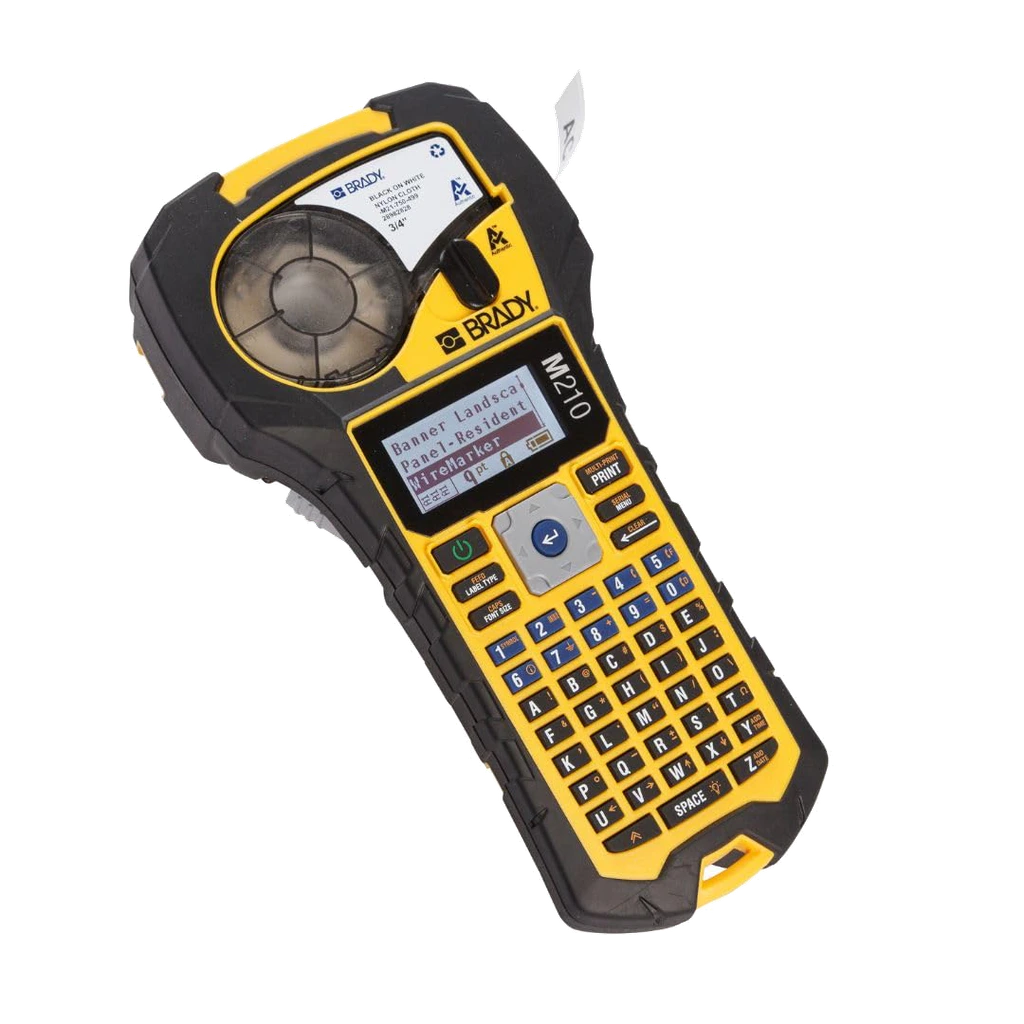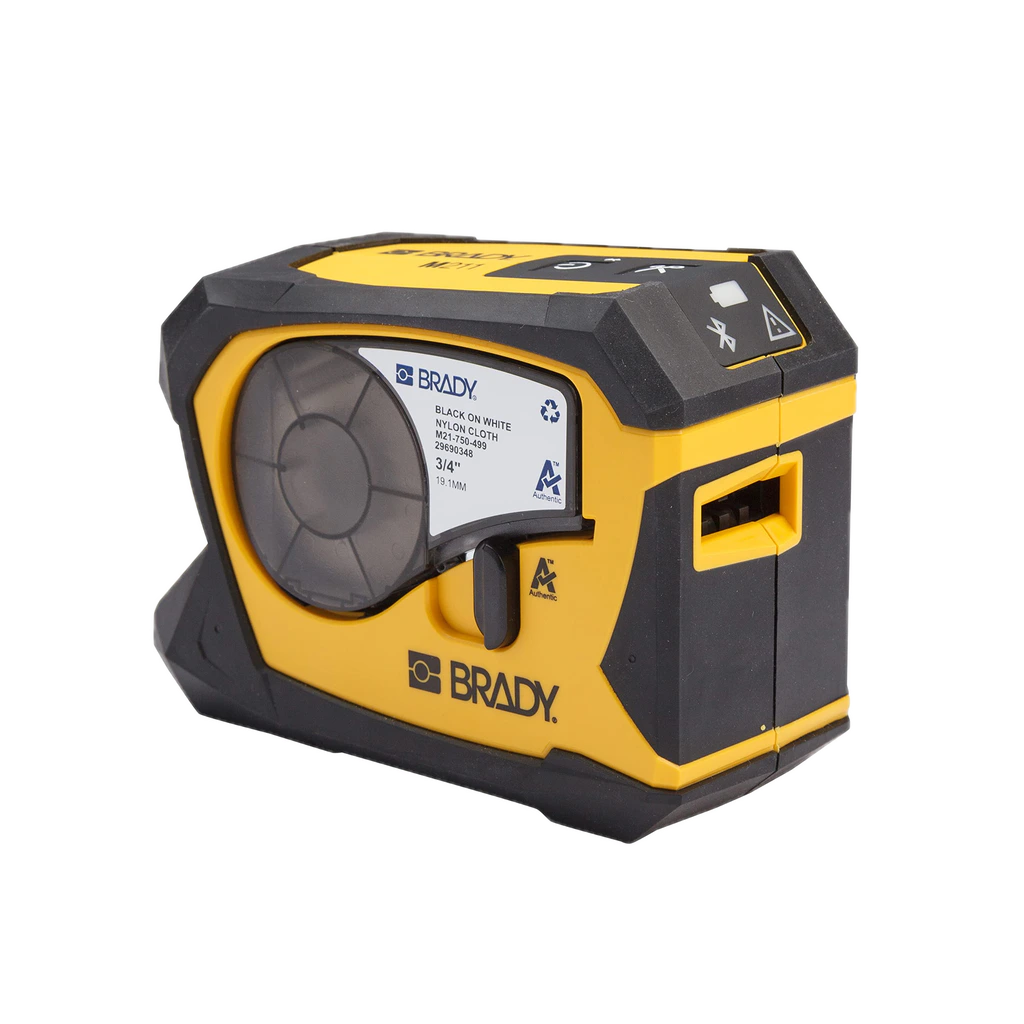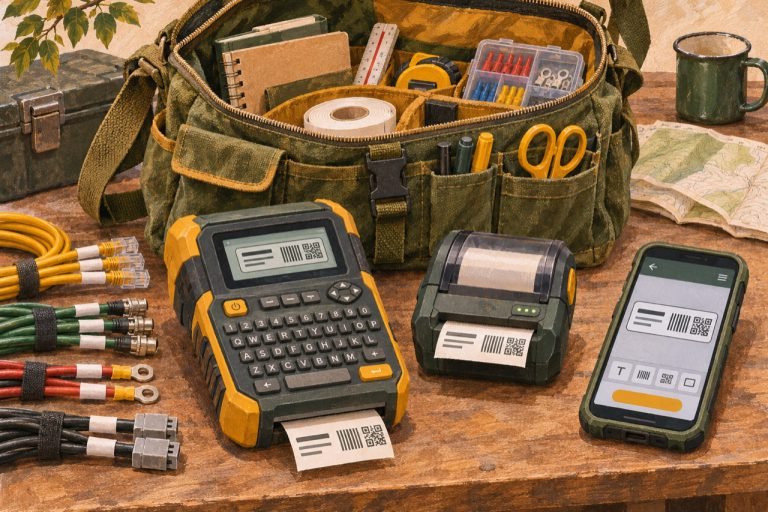


Run the same handoff twice
| Job | M210 | M211 |
|---|---|---|
| Unknown ID at the rack | Enter it on the tool and press the cutter. | Open the mobile app, connect and send the new ID. |
| Approved list of different IDs | Key in exceptions. Use a sequence where the pattern holds. | Use the list in the app and separate the run with automatic cuts. |
| Next shift | Hand over the printer, power and ID convention. | Also hand over an editable file and verify the receiving phone can print. |
The unplanned repair favors the keypad
If a colleague calls out “AHU-07 return,” the M210 operator can enter the words on the tool. The next person does not need the first worker’s files to make a correction. The weak point is transcription. Read the last digits back before printing the matching end. On an irregular list, that small check repeats for every record.
The planned rack favors the phone
A schedule with IDs A01, A04 and B17 is a better M211 example than ten copies of one word. Import the changing values, compare the first and last previews with the schedule and release a short batch. Automatic cuts help when another person is applying the labels in order. If the actual installation changes, revise the master before sharing it with the next shift.
What transfers between the two?
Both printers use compatible Brady Authentic M21 cartridges, including selected wraps and PermaSleeve stock. A move to mobile editing can preserve suitable refill stock. Photograph the cartridge part number before assuming an older supply is recognized. Neither base offer establishes that heat-shrink tubing is in the box.
- Tool-bag power. The M210 can take six fresh alkaline AAs in the field. Plan charging time for the M211’s internal battery.
- Site access. If the phone must stay outside the room, the M211 workflow stops there. A keypad lets the operator create a changed label at the rack.
- Desktop-only work. Neither is the right purchase for sending a job directly from a PC. Brady distinguishes designing in Workstation from printing through its mobile app on the M211.
For the setup details, see the M210 wire-marker review or the M211 shared-file workflow.